Bring events in.
Read database changes, subscribe to a message stream or receive device telemetry.
Examples: PostgreSQL CDC, MQTT, HTTP ingestBrowse sources →Build pipelines across databases, messaging systems, cloud services and devices. Explore each integration’s role and release status before configuring your connection.
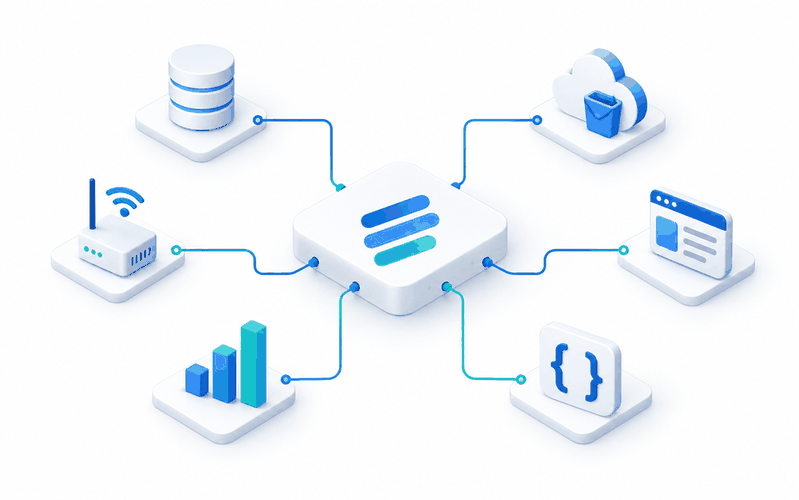
A connector moves events between systems. A transform changes those events before the next system receives them.
Read database changes, subscribe to a message stream or receive device telemetry.
Examples: PostgreSQL CDC, MQTT, HTTP ingestBrowse sources →Filter fields, normalize values, enrich records or apply your own processing logic.
Examples: Field mapper, Lookup enrich, Custom codeBrowse transforms →Write processed events to a database, warehouse, storage bucket or external API.
Examples: PostgreSQL, BigQuery, WebhookBrowse destinations →Search a product, protocol or use case. Combine type and release-status filters to narrow the list.
Check these details for the integration you choose. Connection behavior, retries and delivery guarantees depend on the connector and destination.
See pipeline validation examples →Confirm the address, credentials, TLS settings and network reachability.
Choose the input or output topic and validate required fields with a sample event.
Test a repeated event and a temporary interruption before using production data.
If your source isn’t in the catalogue, use a custom container to read or write Kafka events. Describe the configuration once and keep deployment consistent.
Your protocol, your runtime.
Fields, credentials and topic mappings.
One workspace for built-in and custom logic.
Share your systems, data volumes and delivery requirements with our team.